
Bluetooth Module for AquaLED RGB
Catalogue index: S-LRGBJW / Art. No.: LRGB


- In stock
- Delivery time: jeden dzień
- Art.No.:
- LRGB
- EAN code:
- 5907708641786
- Quantity in a box:
- 20
Description
Bluetooth Module for AquaLED RGB
The module with an app as an additional accessory for AquaLED RGB lamps - LINK Instructions [pdf]
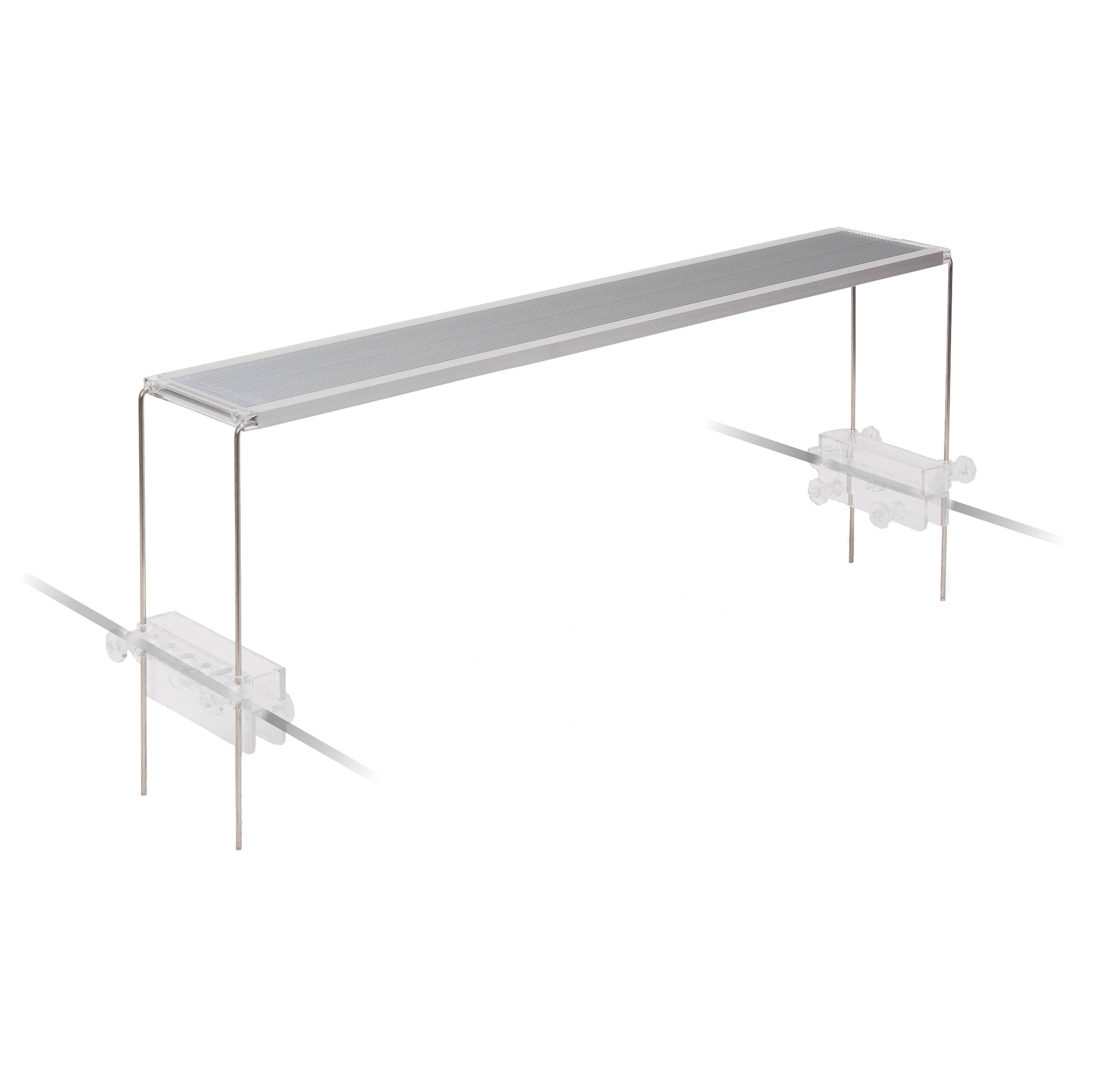
The Bluetooth module allows us to change the colors of the light freely. In the app, we will find several ready-made modes (night mode, sunrise, coral reef, storm, etc.) as well as the ability to set the day and night cycle in our aquarium using the phone.
To download the app, scan the QR code located on the Bluetooth module with your smartphone. (The app is available on Android and iOS in Polish)
1. Download the app
2. After installation, open the downloaded app
3. To add our lamp, click on the + icon in the top right corner.
4. From the list on the left, select “Aquarium” and then “LED SMART”.
5. The app should automatically find our lamp without any issues. (Make sure Bluetooth is enabled on your phone).
How to connect the Bluetooth module to the lamp?
On the power cable between the lamp and the power supply, we will find a connector that needs to be unscrewed. After unscrewing, we will be able to separate the cable. The Bluetooth module is inserted between the break in the cable by screwing the connectors on both sides.
App Instructions
-In the entire app, the blue color is swapped with white or the red color is swapped with white (software error)
-The icon with three horizontal bars shows all our lamps connected to our phone.
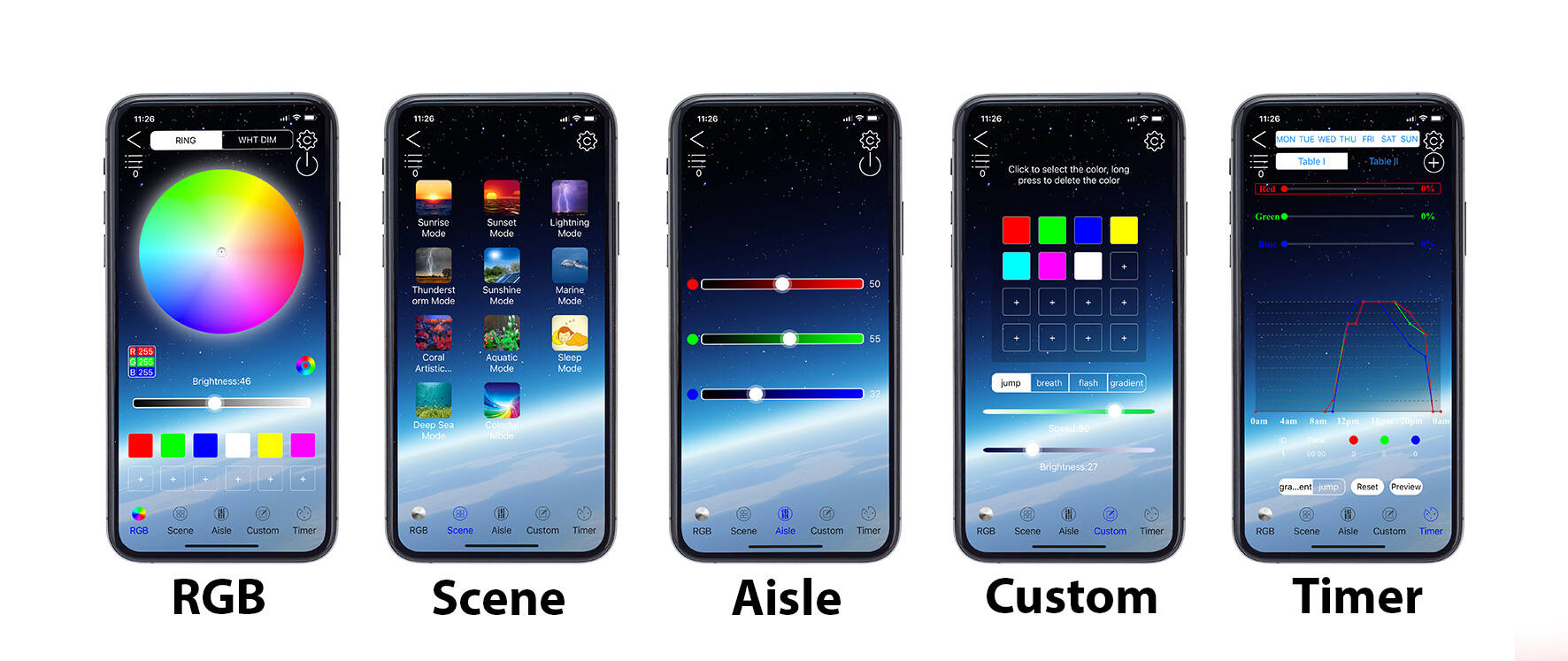
At the bottom of the screen, we will find various functions such as: manual color setting (RGB), ready-made themes (SCENE), sliders for manual color setting (AISLE), manual custom theme setting (CUSTOM), and time regulation setting (TIMER).
RGB Function:
-In the top right corner under the gear icon, there is a power icon that needs to be turned on (not intuitive because when the power icon is white, the lighting is on, and when it is blue, the lighting is off).
Timer Function:
-Add rules using the “+” button.
-After editing the rules, confirm the change by clicking Gradient or Jump depending on the function you want. A message will appear on the screen confirming the sending, and the lamp will blink 3 times.
-The Jump function causes an abrupt change in lighting color from one color to another, e.g., if at 10 AM we have green and at 11 AM we have red, thanks to the Jump function, it will be green at 10 AM and change to red at 11 AM.
-The Gradient function causes a gradual change in lighting color from one color to another, e.g., if at 10 AM we have green and at 11 AM we have red, thanks to the Gradient function, the color will gradually change from green to red from 10 AM to 11 AM.
-The gear icon to the left of the Gradient button removes all rules.
-The graph icon to the right of the Jump button shows a preview of the program. The graph and program preview actually show correctly only for the Gradient function.
Dimensions: module - 6cm, module + cable - 35 cm


